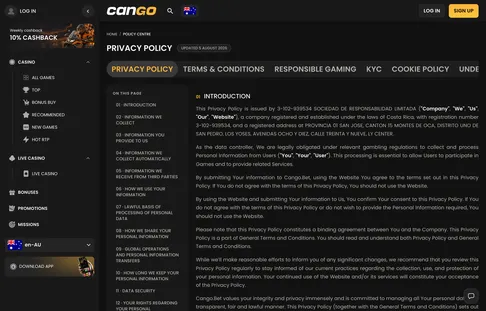

When you visit Cango Access AU, your browser stores small text files on your phone, tablet or computer. This page explains how those files work on our independent Australian guide about Cango (Can Go Casino), why we use them and how you can remove or block them whenever you choose. We are an information site with affiliate links; we do not operate the casino or hold player accounts.
Cookie policy
Cookies are small pieces of plain text saved by your browser when you open a website. They do not contain your name, email address or banking details, and they cannot scan your device or install software. They hold simple identifiers that let a website recognise your browser from one page to the next. Some are session files that disappear when you close the tab, while others stay for a set period, usually between 24 hours and 30 days, unless you clear them earlier.
This site keeps its footprint light. We use cookies to load pages reliably, to understand which guides readers find useful, and to record that a visit came from our pages when you follow a partner link. We do not use cookies to build advertising profiles, and we do not sell cookie data to anyone. None of our cookies can read your casino account, your login details or your payment history, because that information never passes through this site.
We review this policy whenever we change our site tools or analytics setup. Any change is written onto this page, so you always know which files are active while you read our Australian guides. If you have a question about cookies on our pages, email [email protected].
Types of cookies
Three categories are in use:
- Essential cookies keep pages loading reliably, remember a dismissed notice and fit the layout to your screen. They are on by default because the site needs them.
- Analytics cookies count visits and show which guides are read most or load slowly on some phones. The data is grouped and never identifies you.
- Affiliate cookies are set when you click a partner link and tell the destination that you came from our guide, for example when you register or use the code WP1.
Managing cookies
You do not have to accept non-essential cookies to read our guides, and you can block or delete them at any time:
- Chrome on Android or desktop: Settings, then Privacy and security, then Third-party cookies or Clear browsing data.
- Safari on iPhone or Mac: Settings, then Safari, then Clear History and Website Data or Block All Cookies.
- Firefox and Edge: the privacy section of the browser settings.
A private or incognito window also clears session and tracking files when you close it. Blocking all cookies may reset small view preferences, but every guide and table stays readable.